
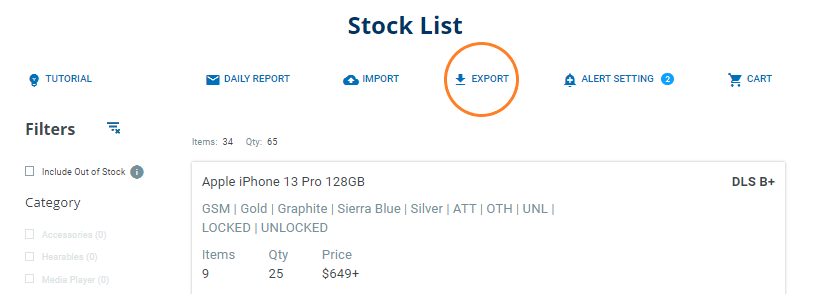
From the stock list, select the EXPORT button and choose to export the entire stock list, or only what you are filtered on.
The file will download as an xlsx file (which can be opened in MS Excel and most other spreadsheet applications).
The exported spreadsheet includes availability and quantity for devices on the Stock List. It also includes info on your existing offers and buy requests (your current offer status, the offer price, quantity, and the expiration date).
TIP: You can import offer and buy requests by using the exported spreadsheet as a template. Just fill values into the "New Offer Quantity" and "New Offer Price" columns and IMPORT it!
Comments
0 comments
Please sign in to leave a comment.